
Looking for a professional Moodle theme without the cost and complexity of bespoke theme development? A premium Boost-based Moodle theme gives you a ready-made design that you can adapt to your organization’s branding and learning needs.
Boost is Moodle’s core theme and a common foundation for custom and commercial themes. Choosing a Boost-based design can help you stay closer to Moodle’s standard interface and development direction, although you should still check each theme’s version support, plugins, and upgrade requirements.
Below are six premium Boost-based Moodle themes from our collection, covering universities, training providers, businesses, and other organizations. Each includes a live demo so you can compare designs before choosing a theme for your site.
Quick Comparison: Which Moodle Theme Should You Choose?
| Theme | Best suited for | Design focus | Moodle versions |
|---|---|---|---|
| Lumo | Universities, businesses, training platforms | Flexible, modern layouts and homepage customization | 5.x |
| Edutor | Higher education and corporate learning | Contemporary learning platform design | 4.x and 5.x |
| Maker | Universities and businesses | Versatile branded learning sites | 4.x and 5.x |
| Gourmet Boost | Colleges and universities | Streamlined, content-first presentation | 4.x and 5.x |
| Impression Boost | Training providers and educational institutions | Clean, professional visual presentation | 4.x and 5.x |
| Herald Boost | Academic learning sites | Traditional academic character with a refreshed interface | 4.x and 5.x |
Check the individual product page for the specific Moodle release and license you need.
1. Lumo Theme (Moodle 5.x theme)
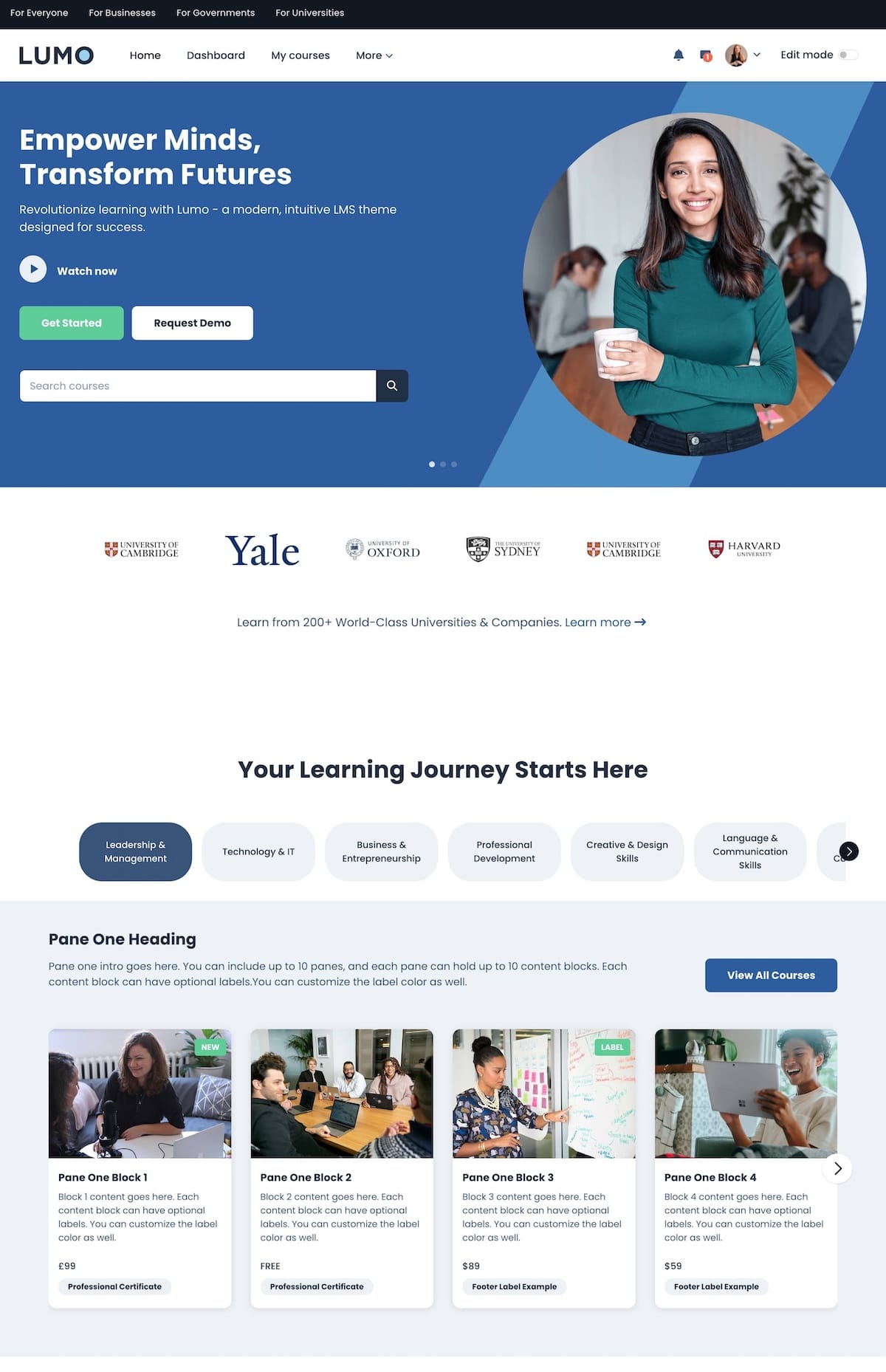
Lumo is a premium Moodle theme designed exclusively for Moodle 5. It’s an ideal choice for sites that want to take full advantage of Moodle’s modern UI, including Bootstrap 5 and the latest core enhancements.
Inspired by leading online learning platforms like Coursera, edX, and Udemy, Lumo delivers a clean, contemporary user experience with a strong focus on clarity and usability. It’s well suited to education providers, businesses, government organizations, and training platforms that want a polished, professional Moodle site.
What sets Lumo apart is its versatile design system. The theme includes a rich set of layout and style options that can be configured directly from the theme settings, with no coding required. You can reorder homepage sections, customize colors and typography, and tailor the look and feel of your site to match your brand or audience.
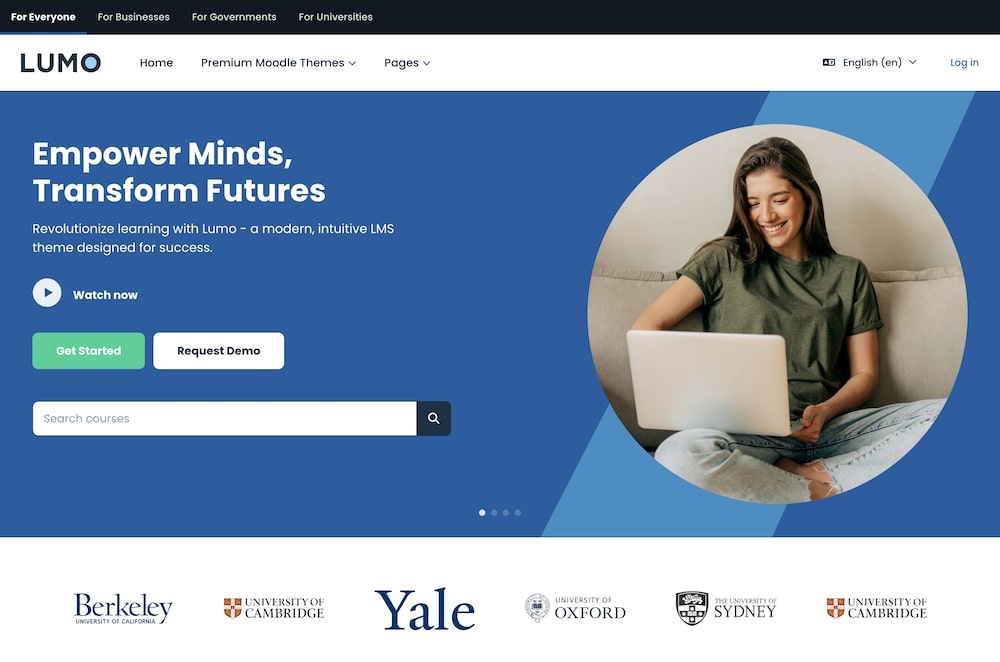
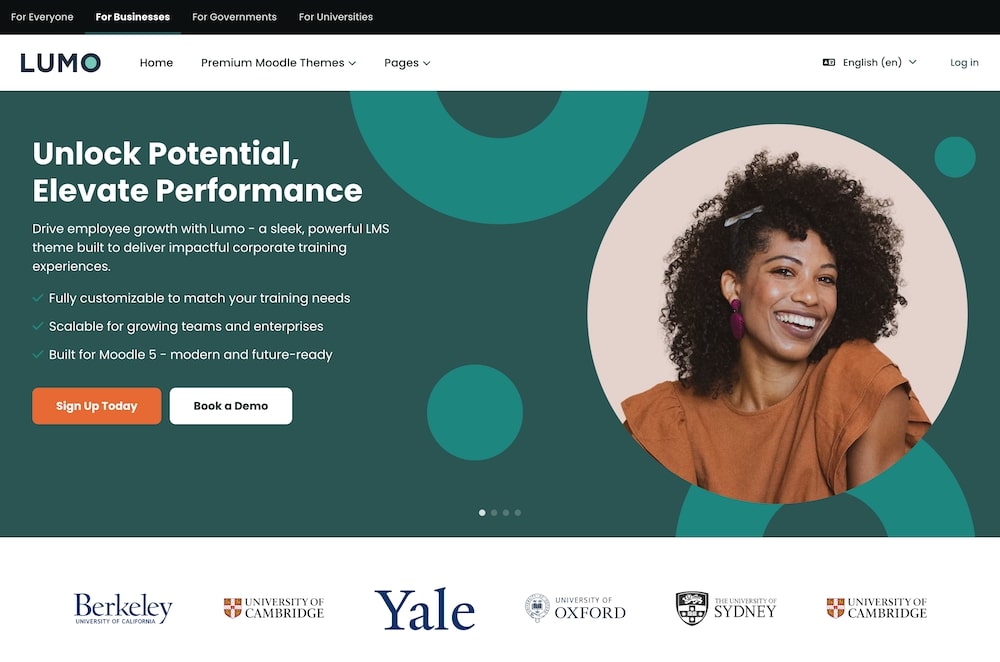
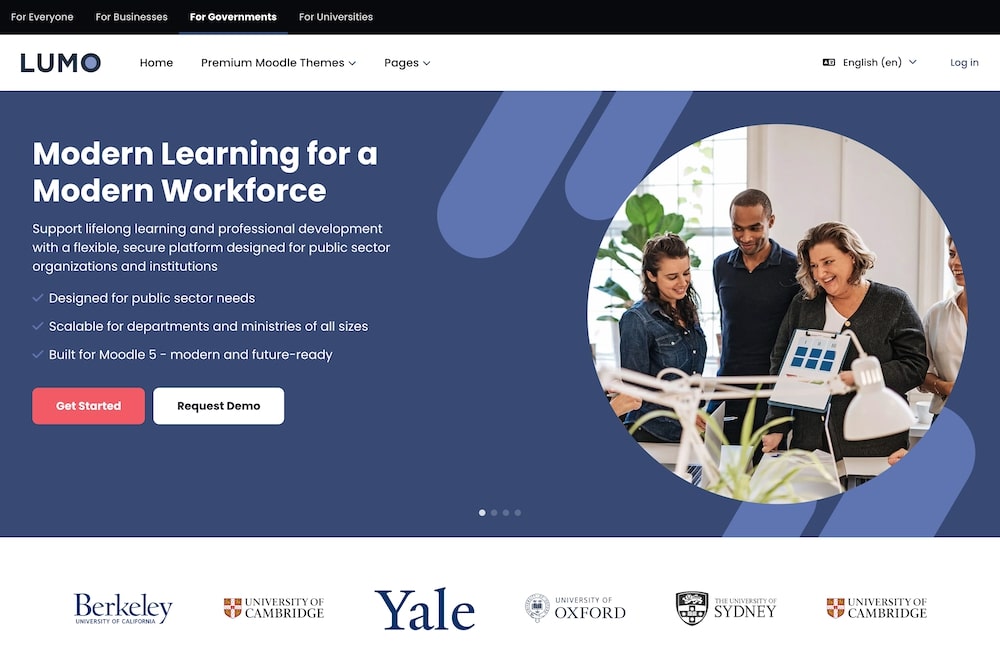
To showcase its flexibility, we’ve created several live demos, each featuring a different color scheme and use case:
For Everyone
For Businesses
For Governments
For Universities
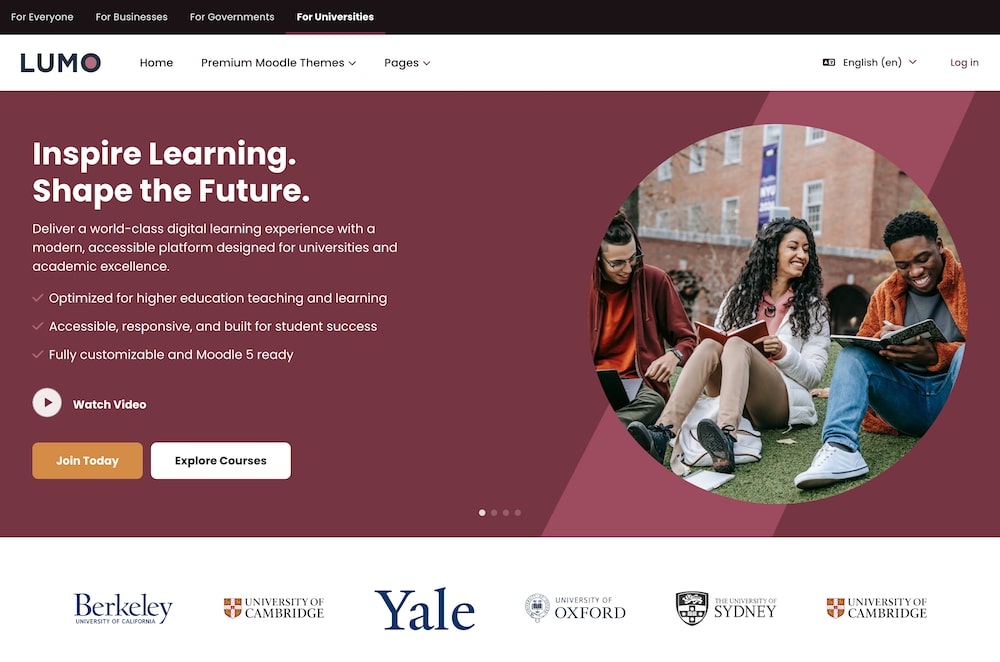
Lumo Theme Main Demo Theme Details
Whether you’re launching a corporate training portal or a university LMS, Lumo provides the design flexibility and tools needed to create a distinctive Moodle 5 site.
2. Edutor (Moodle 5.x & 4.x theme)
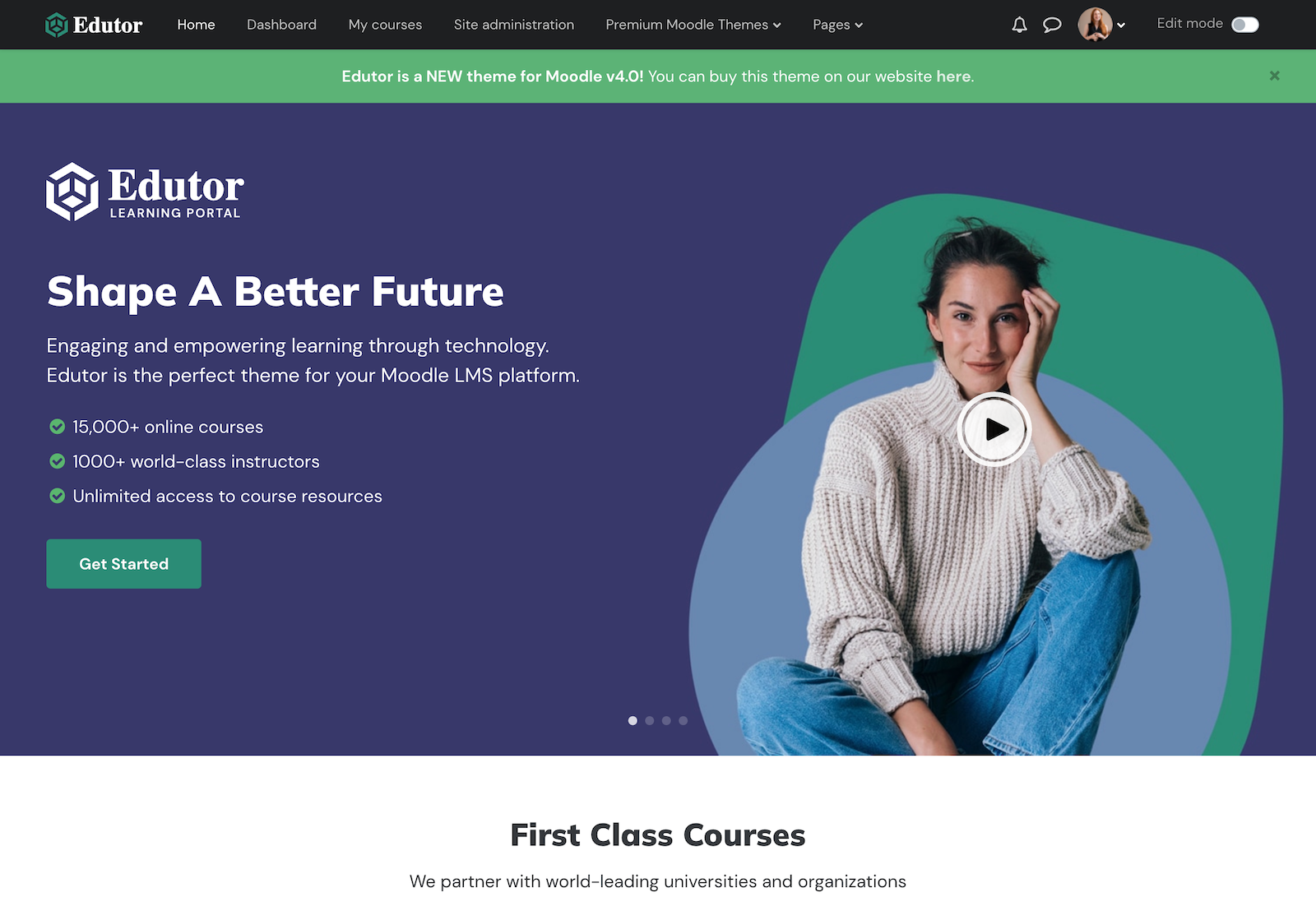
Edutor is one of our most popular Moodle themes, originally developed for Moodle 4.x and also available for Moodle 5. With its clean, contemporary design and extensive customization options, Edutor is well suited to corporate training and higher education. It’s built to transform your Moodle LMS into a polished, professional learning platform.
Want to learn more about this theme? Check out Edutor’s main features and settings overview . You’ll also find useful tutorials on the theme details page in the right sidebar.
Edutor Theme Demo Theme Details
3. Maker (Moodle 5.x & 4.x theme)
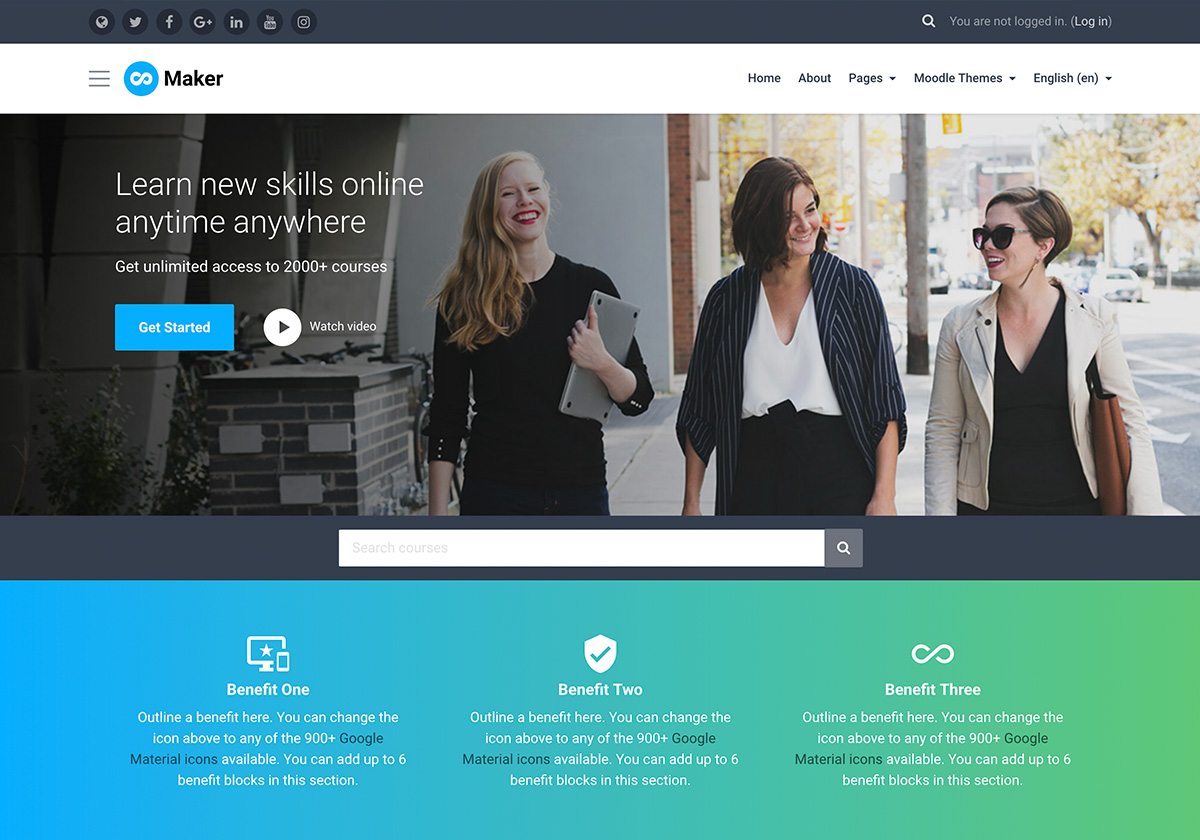
Maker is one of our most widely used Moodle themes. Used by universities and businesses, Maker offers a clean, professional design with flexible layout options and easy customization. It’s a strong choice for delivering engaging, branded learning experiences.
Want to learn more about the Maker theme? Check out Maker’s main features. Tutorials are also available on the theme details page in the right sidebar.
Maker Theme Demo Theme Details
4. Gourmet Boost (Moodle 5.x & 4.x theme)
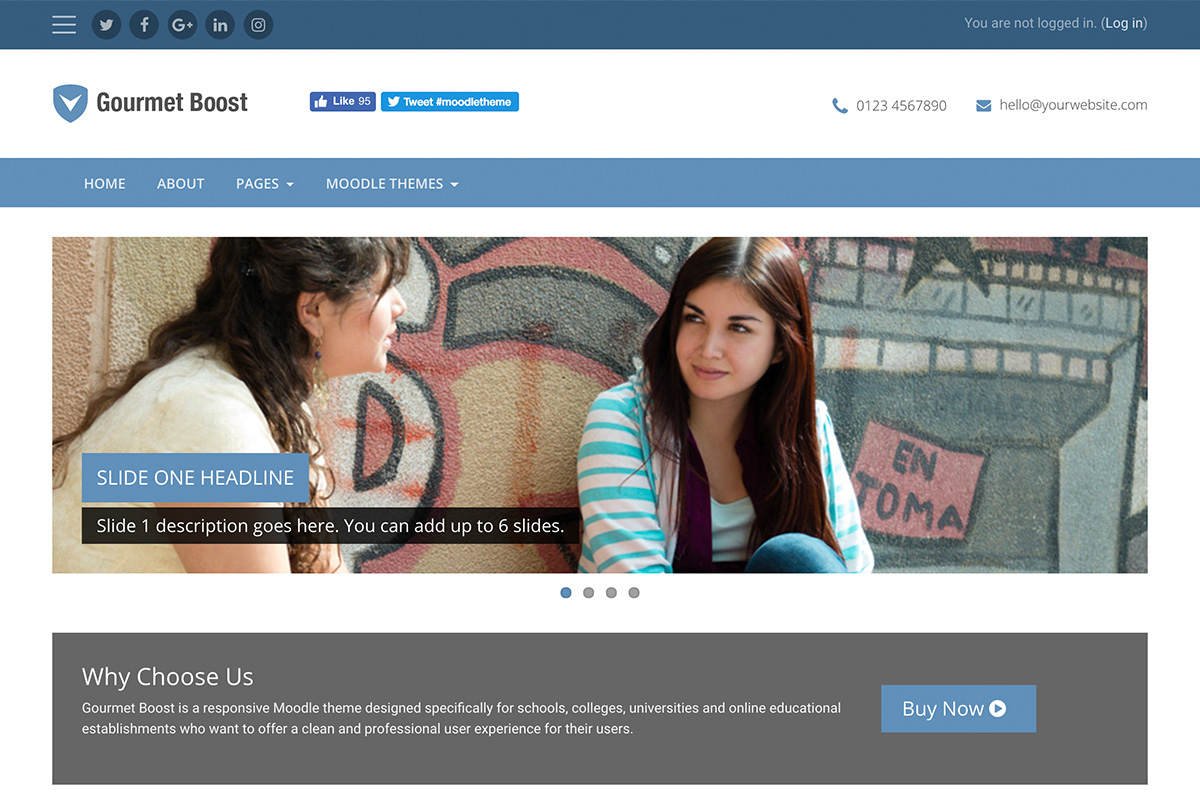
Gourmet Boost is a clean, professional Moodle theme designed specifically for higher education. Available for Moodle 4.x and 5.x, it’s well suited to universities, colleges, and other educational institutions that want to present their courses in a clear and accessible way. The theme features a streamlined, content-first layout, with support for preset or custom color schemes to match your brand. Gourmet Boost makes it easy to create a credible and engaging online learning environment.
Gourmet Boost Demo Theme Details
5. Impression Boost (Moodle 5.x & 4.x theme)
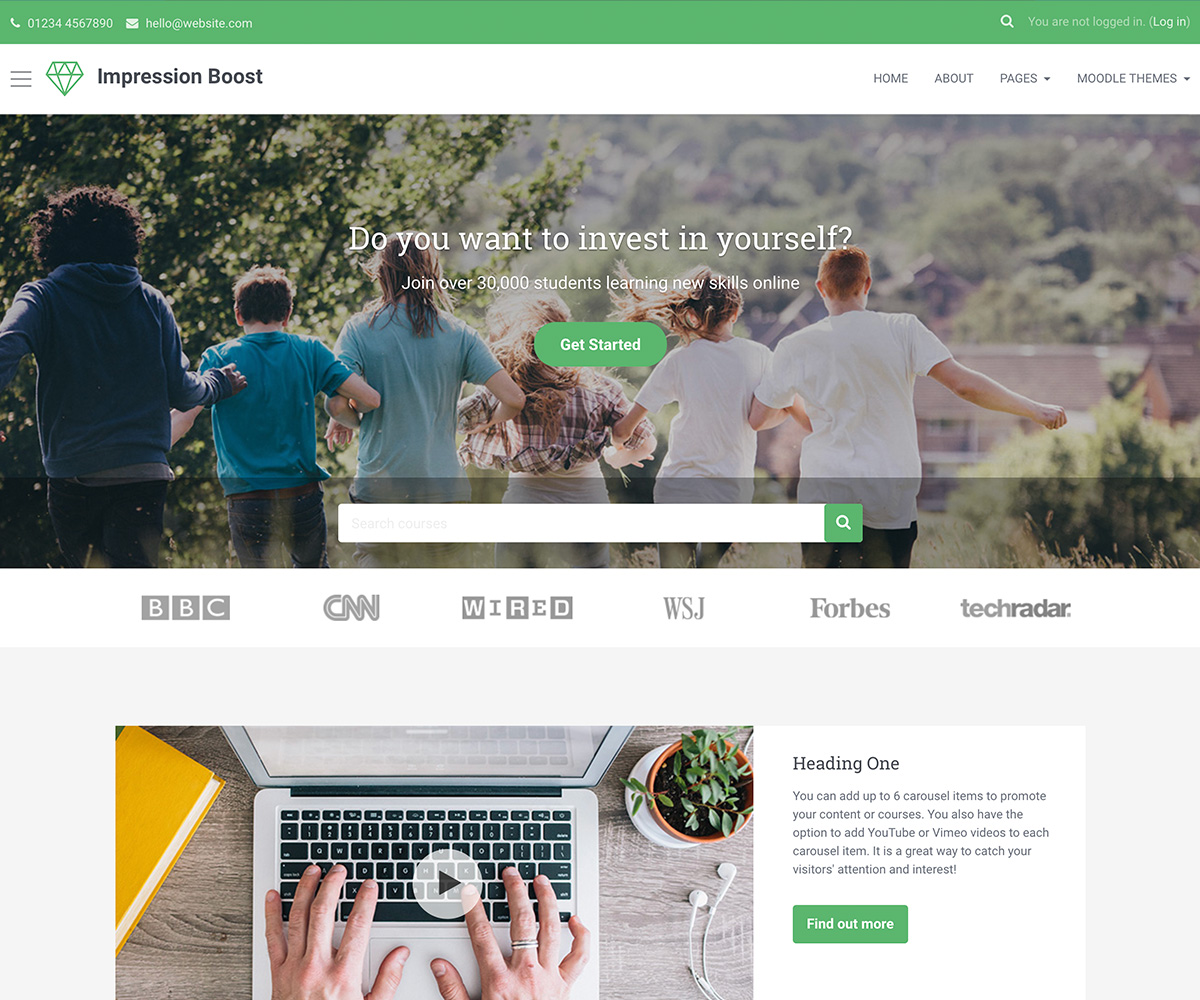
Impression Boost is a premium Moodle theme designed for professional training platforms, universities, and colleges. Built on Moodle’s core Boost theme and available for Moodle 4.x and 5.x, it features a clean, modern design that helps establish trust and credibility from the first visit.
Impression Boost Theme Demo Theme Details
6. Herald Boost (Moodle 5.x & 4.x theme)
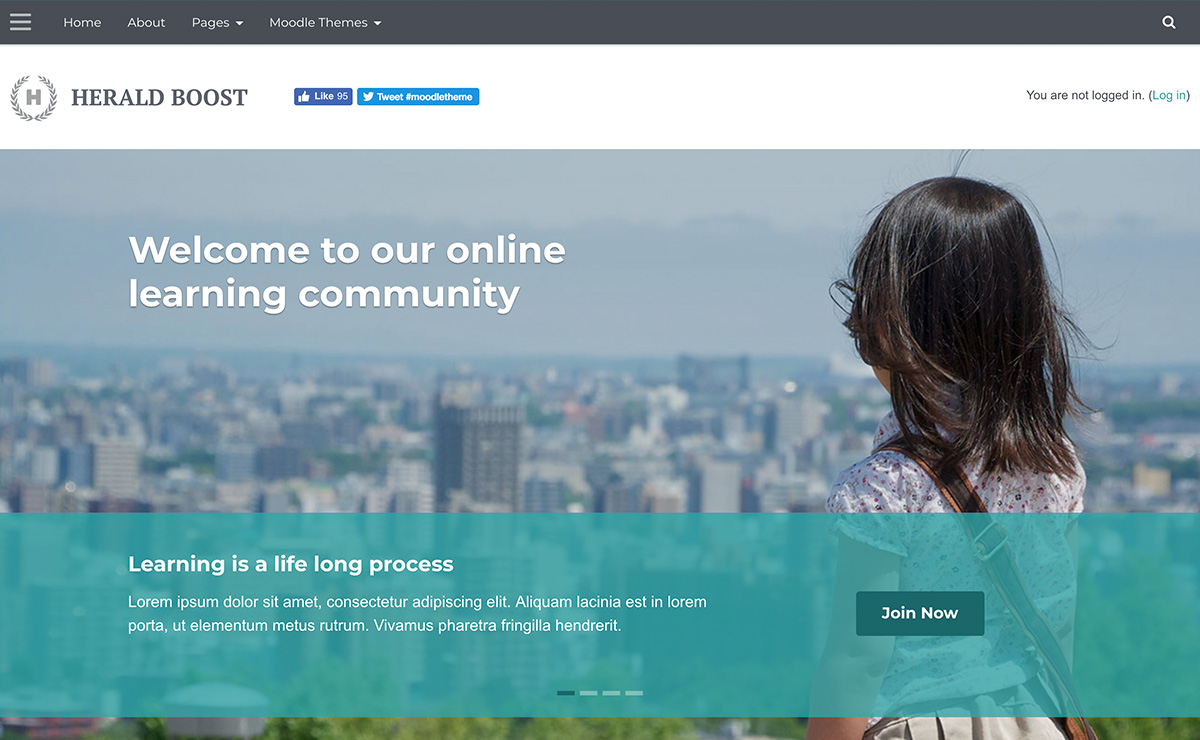
Herald Boost takes the original Herald theme and modernizes it using Moodle’s core Boost theme. With a refreshed interface, it delivers a cleaner, more contemporary user experience while preserving the academic look and feel of the original design.
Herald Boost Demo Theme Details
Why Choose a Premium Boost-Based Moodle Theme?
A ready-made Moodle theme is a practical option when you want a professional, branded learning site without commissioning a design and development project from scratch. Instead of building every page layout and visual component yourself, you can start with an established design and adjust the available settings to suit your organization.
Using Boost as a foundation also keeps the theme closer to Moodle’s core approach. This does not eliminate maintenance or guarantee compatibility with every plugin or future Moodle release. Always test the theme with your own courses, plugins, and configuration before deploying it to a production site.
Ready-Made Moodle Themes vs. Bespoke Theme Development
A bespoke Moodle theme may be the right choice if your organization needs highly specialized workflows or a unique interface. For many universities, training providers, and corporate learning teams, however, a professionally designed premium theme offers a more affordable and faster starting point.
Our themes are sold as a one-time purchase, with optional paid upgrades for newer Moodle versions. You can also evaluate a purchased theme on your own Moodle installation under our 30-day money-back guarantee, subject to the refund policy. See our theme licensing and refund FAQs for details.
Which Theme Is Right for Your Moodle Site?
If you are building a Moodle 5 site and want extensive design flexibility, start with Lumo. For a contemporary learning portal, explore Edutor and Maker. If you prefer a more traditional education-focused presentation, compare Gourmet Boost, Impression Boost, and Herald Boost using the demos above.
For a broader look at other options, read our free and premium Moodle themes comparison. If you’re upgrading to Moodle 5.1 or later, also review our Moodle 5 public folder upgrade guide.